
Data Migration Toolkit for Splunk, by August Schell
Move your Splunk data to new servers, and prove every day of it arrived.
A free Splunk app that plans a migration before anything is touched, copies the history while Splunk keeps running, and ends with a day by day count of every index on both sides.
Free for Splunk Enterprise, available on request. Read the documentation.
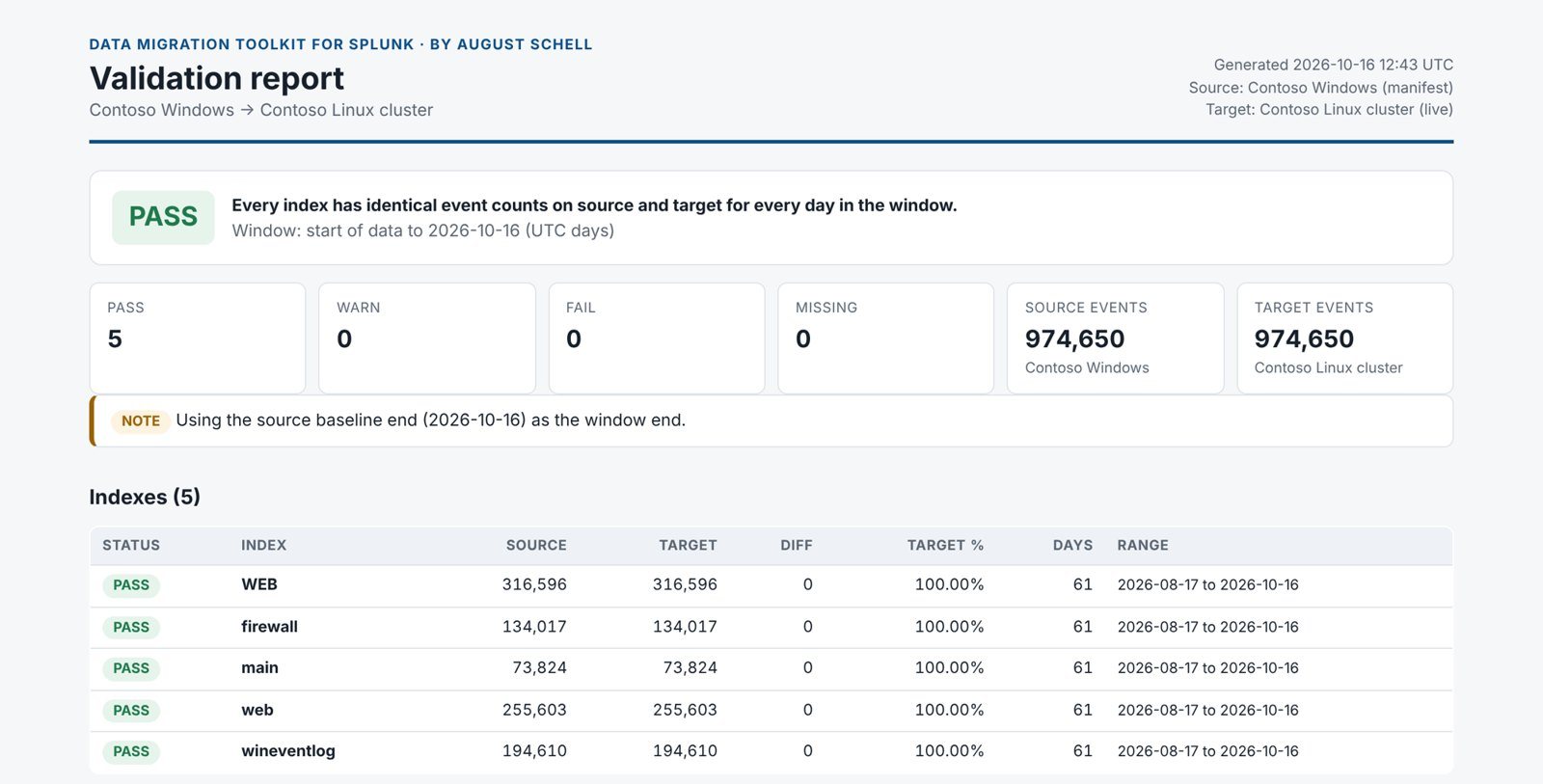
| Index | Old servers | New servers |
|---|---|---|
| firewall | 134,017 | 134,017 |
| main | 73,824 | 73,824 |
| web | 255,603 | 255,603 |
| wineventlog | 194,610 | 194,610 |
Built for the moves Splunk does not do for you
- Windows to LinuxBuckets, names and paths adjusted for the new operating system.
- One server to a clusterSpread across new indexers for capacity and resilience.
- New hardwareServers at end of life, or out of space.
- New locationAnother data center, or into AWS, Azure or Oracle Cloud.
- Two environments into oneAfter a reorganization or an acquisition, without name clashes.
How a migration runs
Four steps, in this order. Only the third one writes anything, and it writes to the new servers.
Look
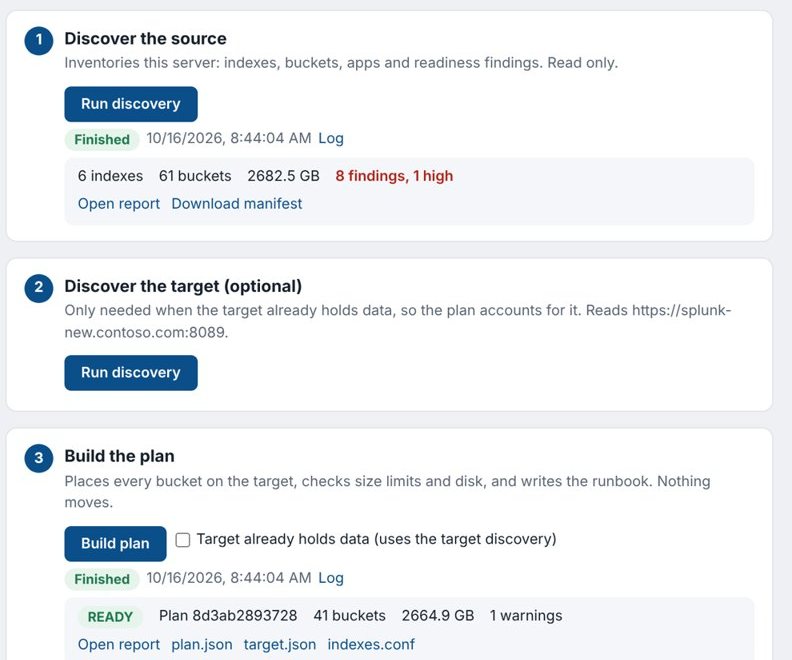
Point the app at your current Splunk. It lists every index and bucket, how much data there is, and anything that would get in the way, such as Windows paths or index names Linux will not accept.
Read only
Plan
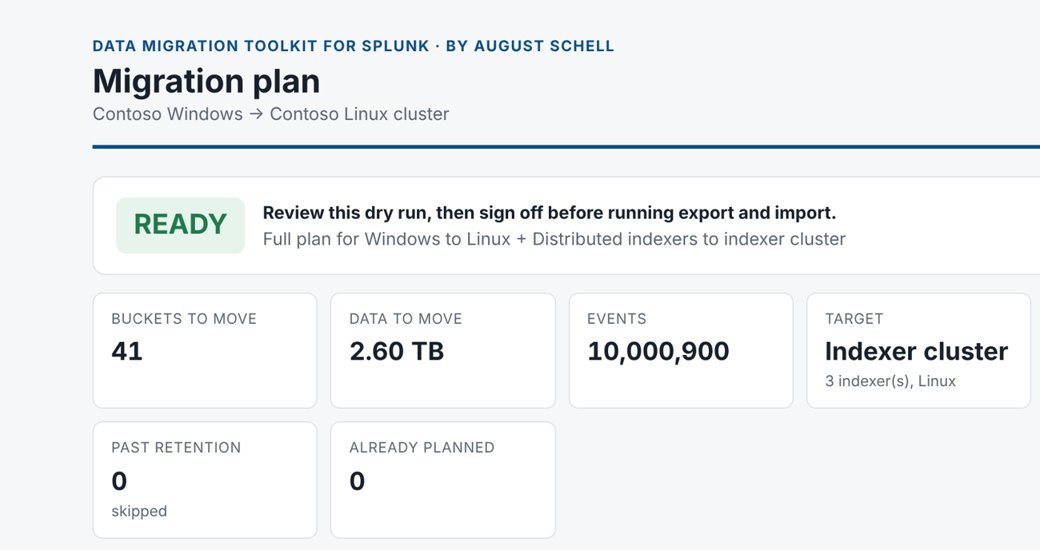
Describe the new servers and the app decides where every bucket goes, checks the space and size limits, and writes the exact commands for each server. Problems show up here, on paper, before any work starts.
Read only
Copy
Each server exports its own data while Splunk keeps working. Every file carries a fingerprint, and the new servers check it on arrival, so a damaged copy is caught and sent again. Nothing already on the new servers is ever overwritten.
Writes to the new servers only
Prove
The app counts the events for every index and every day on both sides and writes a report with a pass or fail verdict. That report is what your change approver signs.
Read only
Downtime stays short, whatever the size
The history is copied while the old servers stay live. At the switch over, new data starts flowing to the new servers, the last few hours are copied, and the final report runs. Ten gigabytes or a hundred terabytes, the window is about the same.
Safe by design
- Your current Splunk is only read, apart from one routine step at the switch over.
- Nothing moves until a person has reviewed the plan.
- Every copied file is checked before it is used.
- The old servers stay in place until you are satisfied, so going back is simple.
- Runs inside Splunk, with your own sign in. No data leaves your network.
Start here
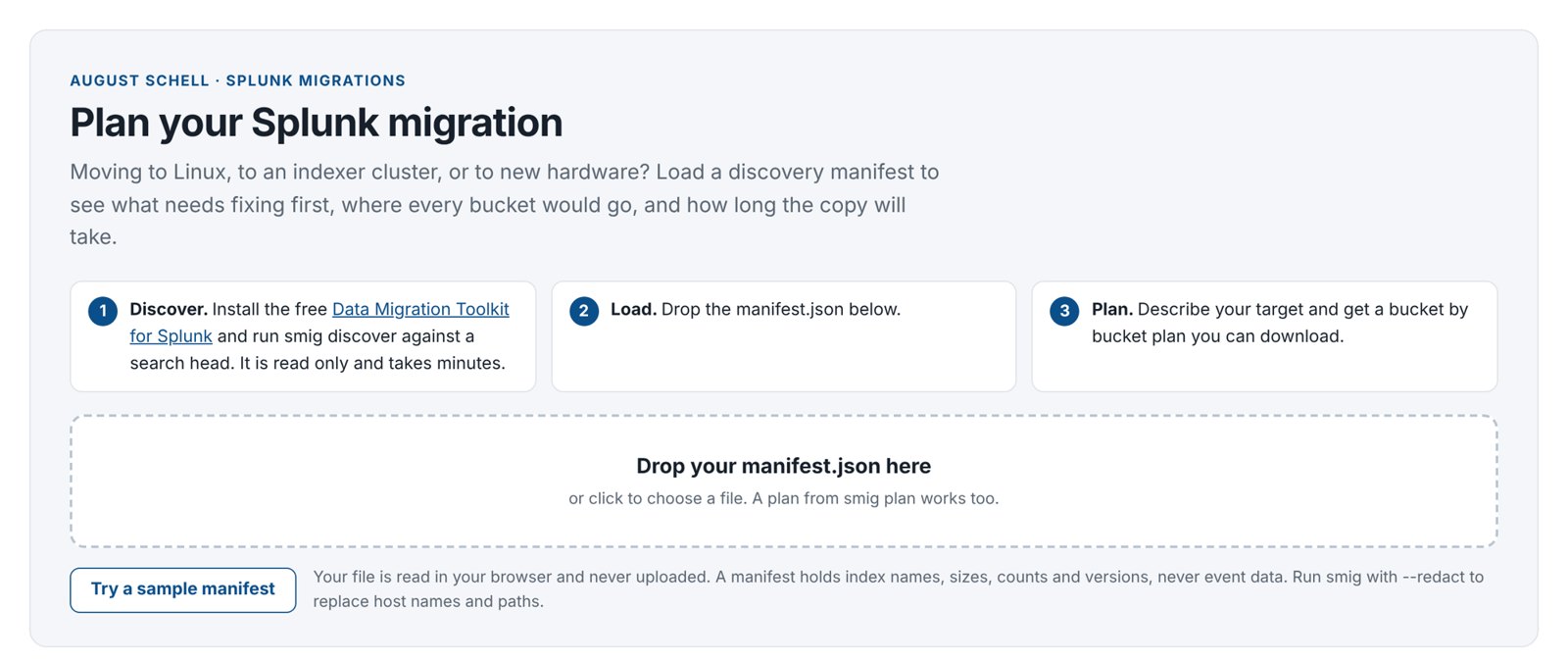
Planning a Splunk migration?
Get the app and run it yourself, or have August Schell engineers scope, run or review the move with you.
For Splunk Enterprise 9.0 and later. Splunk Cloud and SmartStore indexes are not supported. Splunk is a trademark of Splunk LLC.